Rich text + Markdown with AI writing assistant
Import OpenAPI specs, interactive explorer, 6 languages
Turn any article into a narrated video with AI
Snippets, variables, glossary, find & replace, templates
Branded site with custom domain & SSL
Embeddable widget with AI chat for any website
Your KB on WhatsApp, Telegram, Slack, Discord
Reader behavior, search gaps, content health scoring
Connect your GitHub, GitLab, or Bitbucket repo. AI reads your code and generates complete documentation automatically.
See how it works →Bring your own key — Azure OpenAI or any OpenAI-compatible endpoint. Your code and docs never leave your cloud.
Enterprise security →Your dashboard AI operator — chat, write, triage, design
Six autonomous writer teammates — free on every plan
14+ actions: draft, improve, shorten, translate, SEO
Generate docs from your codebase automatically
Article → narrated video with AI voiceover
Describe a look → AI generates the full theme
Translate entire KB to 12 languages instantly
Company wiki, SOPs, and team knowledge
Customer-facing help center and docs
Technical docs generated from code
Standard operating procedures and processes
Product guides with rich media and PDF export
RAG-powered Q&A trained on your docs
Interactive API explorer with code examples
Ship docs as fast as code
Compliant patient-facing docs
Reduce operational risk
Student & faculty knowledge
Self-service product support
Runbooks, playbooks, and ITSM docs
Public-facing citizen portals
AI-assisted writing at scale
Auto-generate docs from code
Deflect tickets with AI chatbot
Keep docs in sync with releases
SSO, audit logs, Private AI
Onboarding, policies, and handbooks
Content health, analytics, and governance
KB + API docs + video studio + AI agent + analytics + ticket analysis — one workspace, not 6 tools.
See all features →30+ AI features built from day one. Doc Autopilot, Voice Mode, Video Studio — things no other KB has.
Learn more →Tips, best practices, and insights on documentation, AI-powered writing, and knowledge management.

One script tag puts search, articles and an AI assistant into your own app — answering from your knowledge base, without sending anyone to a separate site.
Import a spec and get browsable reference docs — grouped by resource, with code samples in six languages and a console that sends real requests.
Branded cover, working contents links, your confidentiality and contact pages — and hidden articles left out. Export one article or hundreds.
Generate meta descriptions across your whole knowledge base in one run — server-side, so closing the tab does not stop it — then hand-write the handful that actually bring you traffic.
Every search that returned nothing, and every link that led nowhere, is a reader telling you exactly what your documentation is missing. FinalDoc records both.
Thin pages, articles nobody has touched in six months, missing descriptions, uncategorised strays. A weekly scan that flags them, tells you what changed since last time, and stays quiet when there is nothing to say.
A narration button on every article, plus a live spoken conversation with an assistant that answers from your knowledge base rather than from a model’s general knowledge.
Five diagram types and four chart types generated from a plain-English description, editable afterwards as a real diagram — and rendered on your published site and inside exported PDFs.
No posts in this category yet.
Reel watches which how-to articles readers actually open, spots the ones with no video, and proposes narrated walkthroughs. You approve; Video Studio renders. Nothing is filmed without your say-so.
Point Ved AI at your whole knowledge base, or narrow it to chosen categories and articles. Retrieval respects the boundary — including articles added to those categories later.
A roster of named AI agents — Scribe, Atlas, Beacon, Pulse, Herald, Forge — each tuned for a specific documentation role. They see your whole knowledge base, hold real conversations, and remember.
Inline comments now work in markdown mode, support reply threading, and survive switching between editor modes — all anchored by text, not character offsets.
Article-aware AI gives generic advice. Knowledge-base-aware AI gives advice grounded in what already exists in your docs. Why that matters and how we built it.
From AI drafting to Doc Autopilot — how teams are using AI to write documentation 10x faster without sacrificing quality.
Connect your GitHub, GitLab, or Bitbucket repo. Doc Autopilot analyzes your code and generates complete documentation automatically.
Beyond page views — how to measure documentation effectiveness with search analytics, content health scores, and ticket deflection rates.
Documentation doesn't have to be text-only. Learn how Video Studio converts your articles into professional narrated videos with AI voiceover.
Your documentation contains sensitive product information. Here's how Private AI (Bring Your Own Key) keeps your data in your cloud.
RAG-powered chatbots vs generic AI — why retrieval-augmented generation with your own docs beats ChatGPT for customer support.
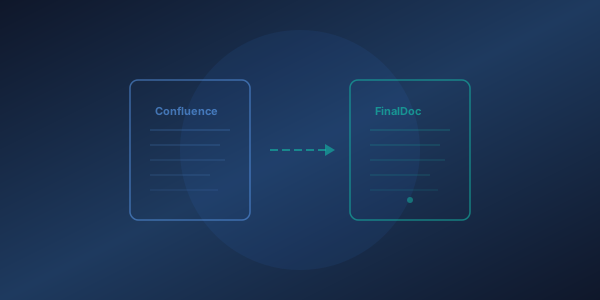
A step-by-step guide to migrating your Confluence spaces to FinalDoc — including content, categories, images, and team access.
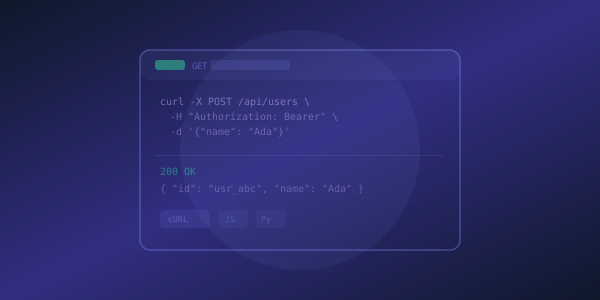
The difference between API docs that get bookmarked and API docs that get ignored. Practical tips with real examples.
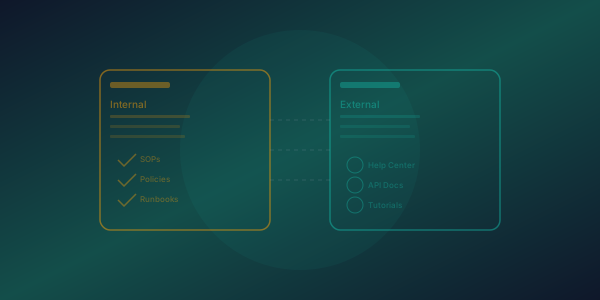
Public help centers and private team wikis serve different purposes. Here's when you need one, the other, or both.
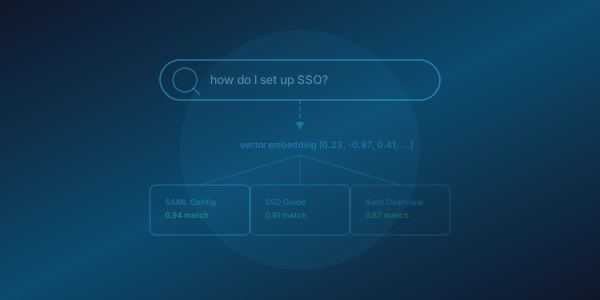
A technical deep-dive into our RAG pipeline: pgvector embeddings, hybrid search, and how we achieve sub-200ms semantic search.
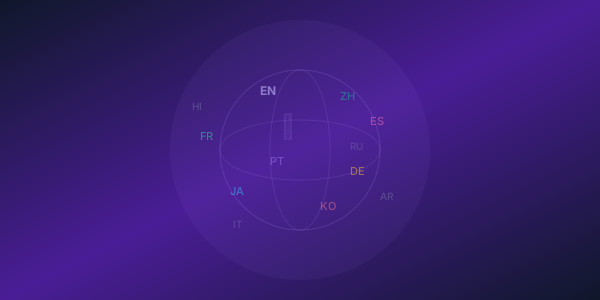
How to translate your entire knowledge base to 12 languages instantly with AI-powered translation.
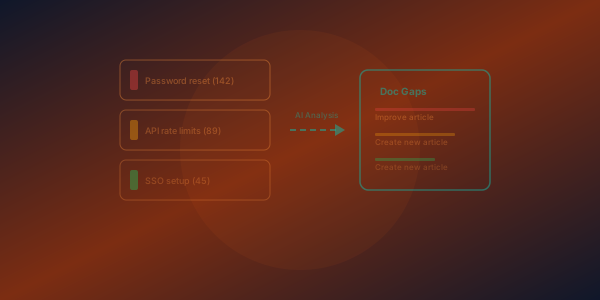
How AI analyzes your support tickets to identify documentation gaps, prioritize content creation, and reduce ticket volume.
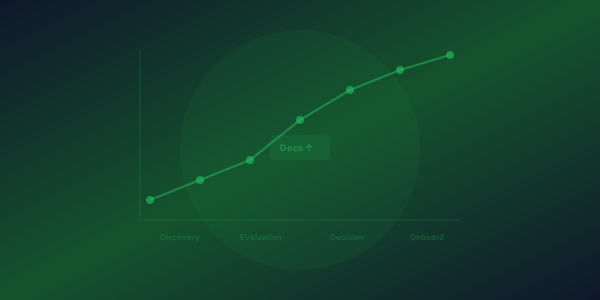
Great documentation doesn't just reduce support tickets — it closes deals. How public docs influence buying decisions.
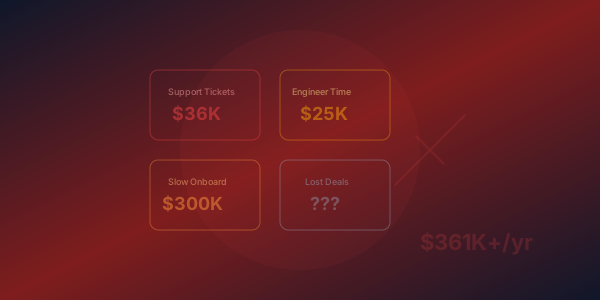
Bad documentation costs more than you think. Support tickets, lost deals, slow onboarding, and engineer interrupts add up fast.